Capture your way
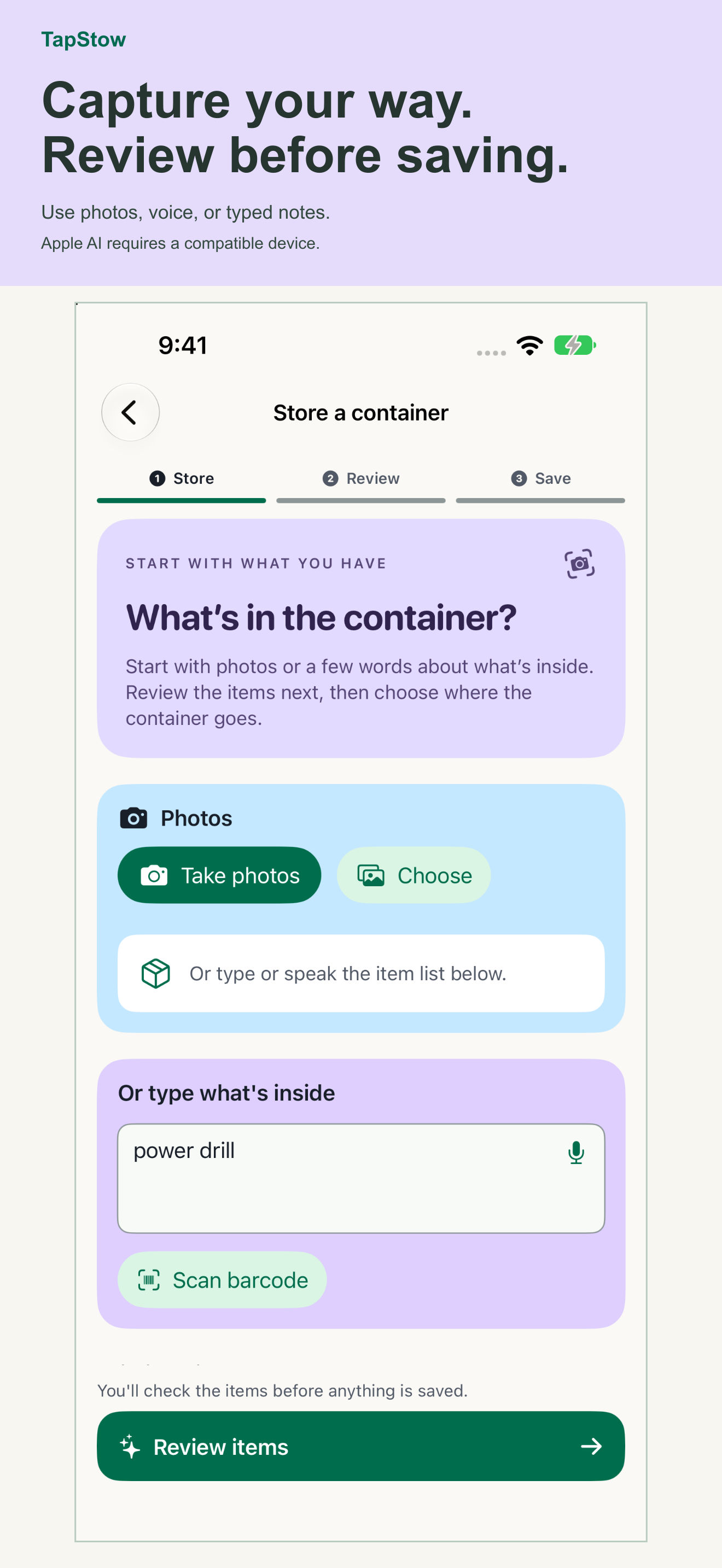
Take one or more photos, share images into TapStow, speak or type an item, or begin from a marker. You can identify the target before or after capture.
 Drive Logic
Find what you stored and where you put it. TapStow turns photos and notes into a searchable home inventory, with every suggested item reviewed by you before saving.
Public TestFlight beta · Requires iOS 27 or later

Take one or more photos, share images into TapStow, speak or type an item, or begin from a marker. You can identify the target before or after capture.
TapStow can propose visible items, text, and codes. You confirm, rename, correct, or remove each proposal before treating it as trusted inventory.
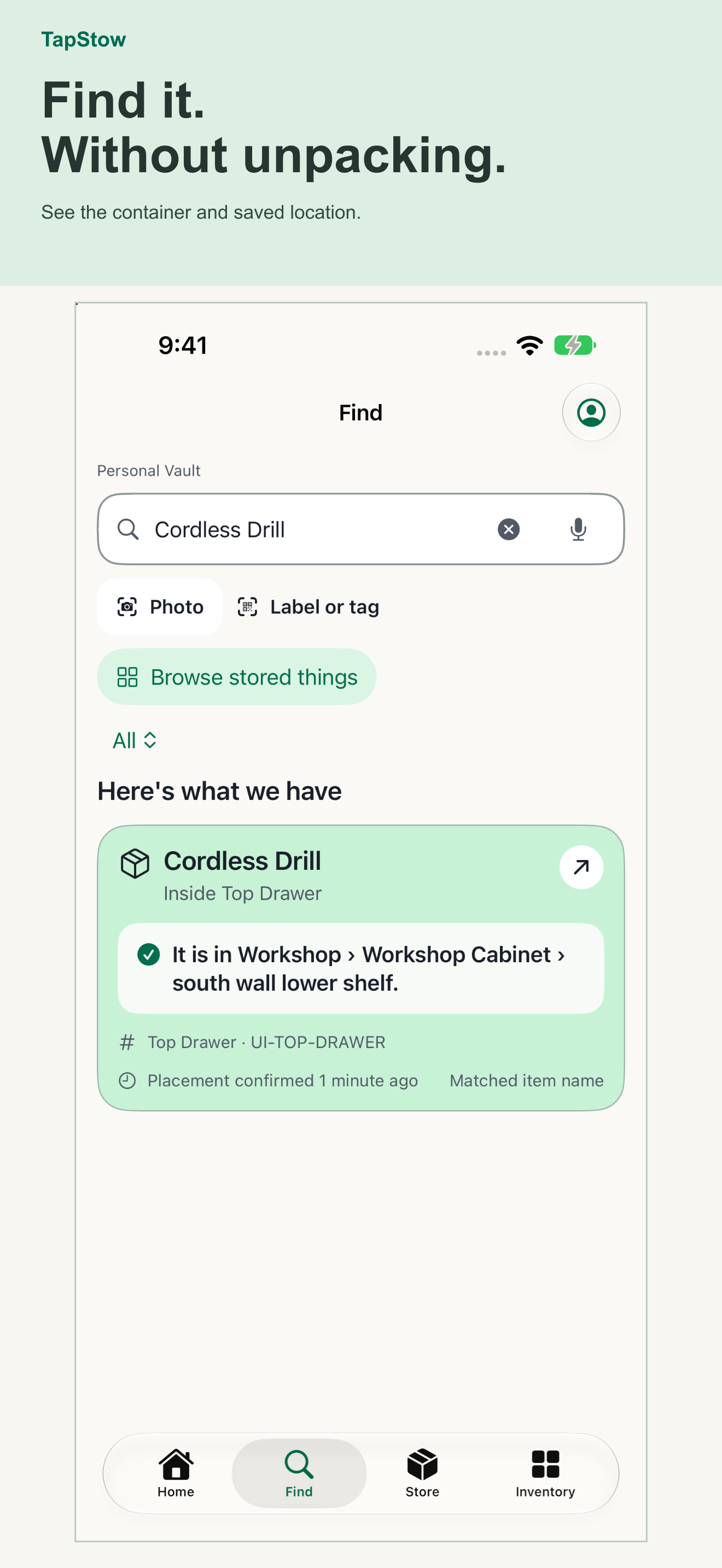
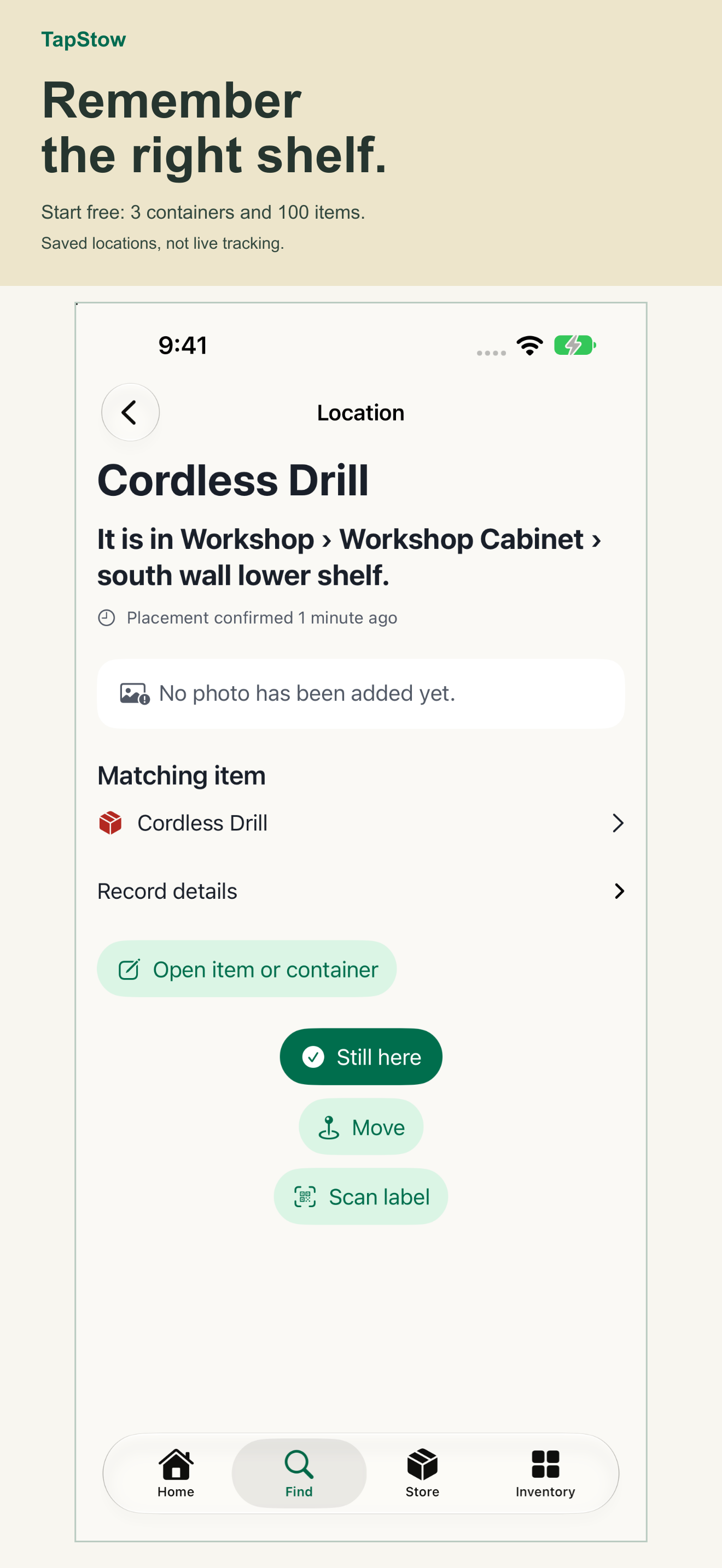
Search or ask Siri for a saved item and see its container and last confirmed location, with the placement description and photos you recorded.
Preview how TapStow connects your items, containers, and saved places, then try the public beta.
Holiday decorations. Tools. Cables. Camping equipment. Moving boxes. TapStow helps a household find what it owns without depending on one person's memory.
Black-and-yellow tool tote · label P-12
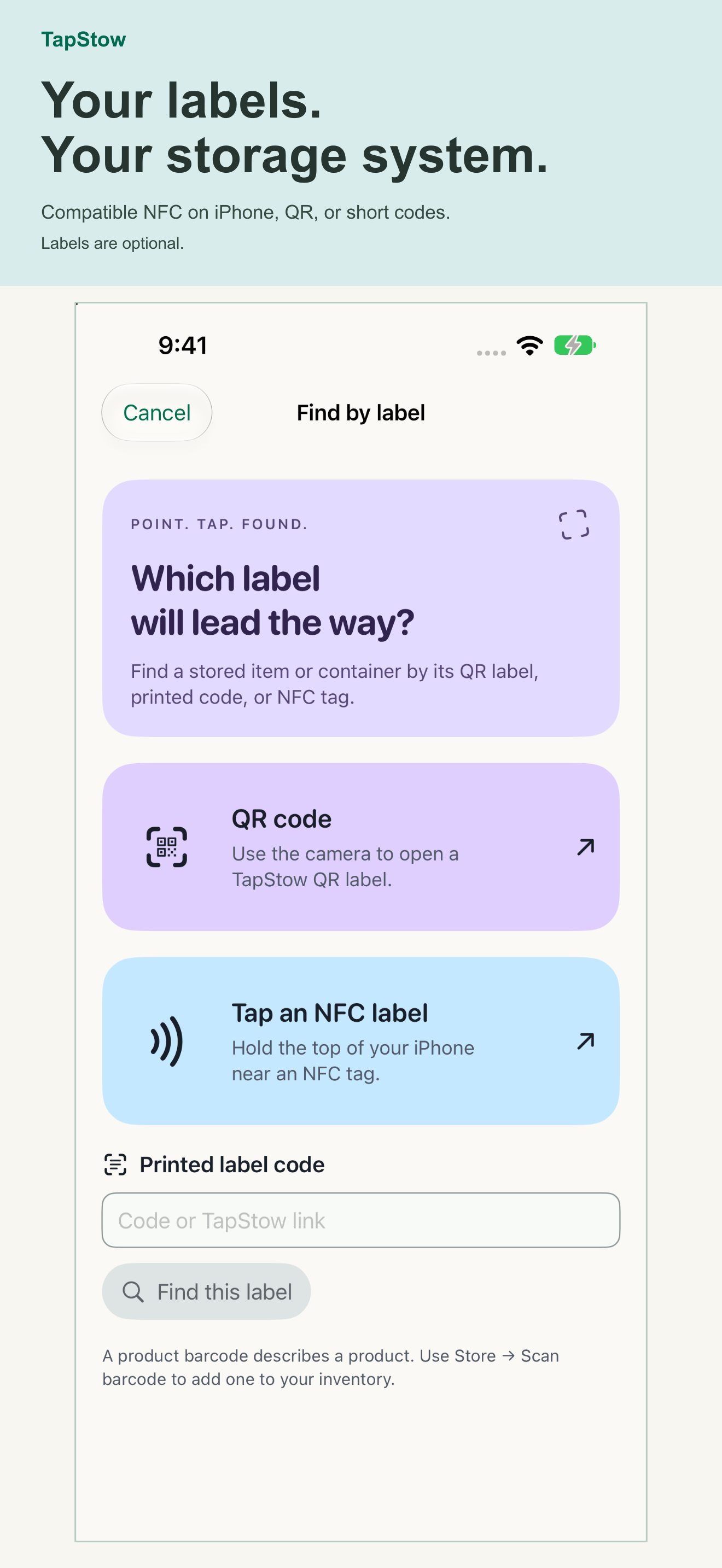
Last confirmed August 24 · placement evidence availableLink compatible NFC tags or existing QR codes, print labels, or use TapStow short codes. Labels are optional. NFC and QR open saved records; they do not broadcast an item’s location.
Adopt a compatible existing tag or write one from TapStow. A tap opens the same protected record as QR.
Bind an existing code or generate and print a TapStow label. Scanning never exposes contents without authorization.
Find saved items by name, owner, category, brand, visible text, barcode, container, or place.
The Free plan includes one person, on-device capture, search, and export. Household adds unlimited containers and items, up to six members, and 10 GB of shared storage with a monthly or annual subscription. Optional Cloud AI includes 40 grouped photo analyses per month for one person. On-device AI does not use credits.
TapStow is currently in beta. Consumer prices and available offers are shown in the app; TestFlight purchases use Apple’s test environment. Subscriptions renew until cancelled. A lifetime purchase does not cancel an existing subscription.
Keep a local-only Personal Vault or choose Household synchronization. A local-only vault has no cloud backup. Apple on-device analysis or Private Cloud Compute is preferred when available. With your consent, optional Cloud AI sends selected photos and capture details through TapStow’s service to an external AI provider. You review the results before saving.
Read the TapStow privacy notice →Assisted findings stay proposals until you accept or edit them.
A tap or scan identifies a target. Authentication and workspace permission still control protected details.
Inventory works without GPS, and saved placement remains a point-in-time record.
Drive Logic does not sell TapStow inventory or use it for third-party advertising.
Apple AI and advanced Siri features require eligible devices with iOS 27. Availability varies by language, region, Apple Intelligence settings, models, connection, and service limits.
The public TestFlight beta is open to iPhone users on iOS 27 or later. We welcome feedback from households, professional organizers, movers, and storage partners on capturing, placing, and finding stored items.
Join the beta