AI nutrition estimates from meal photos
Follow a simulated meal photo into the nutrition review screen, then check and edit the values.
 Drive Logic
Understand your trends and see how food and daily habits fit in.
Core tracking needs no Glucose Thread account or subscription. Connect a supported LibreLinkUp or Dexcom Share account, or start with manual entries. Apple Health access is optional and requires your permission.
Glucose Thread is available on the US App Store. Check your storefront for pricing and availability.
Privacy · Terms of Use · Support · Facebook
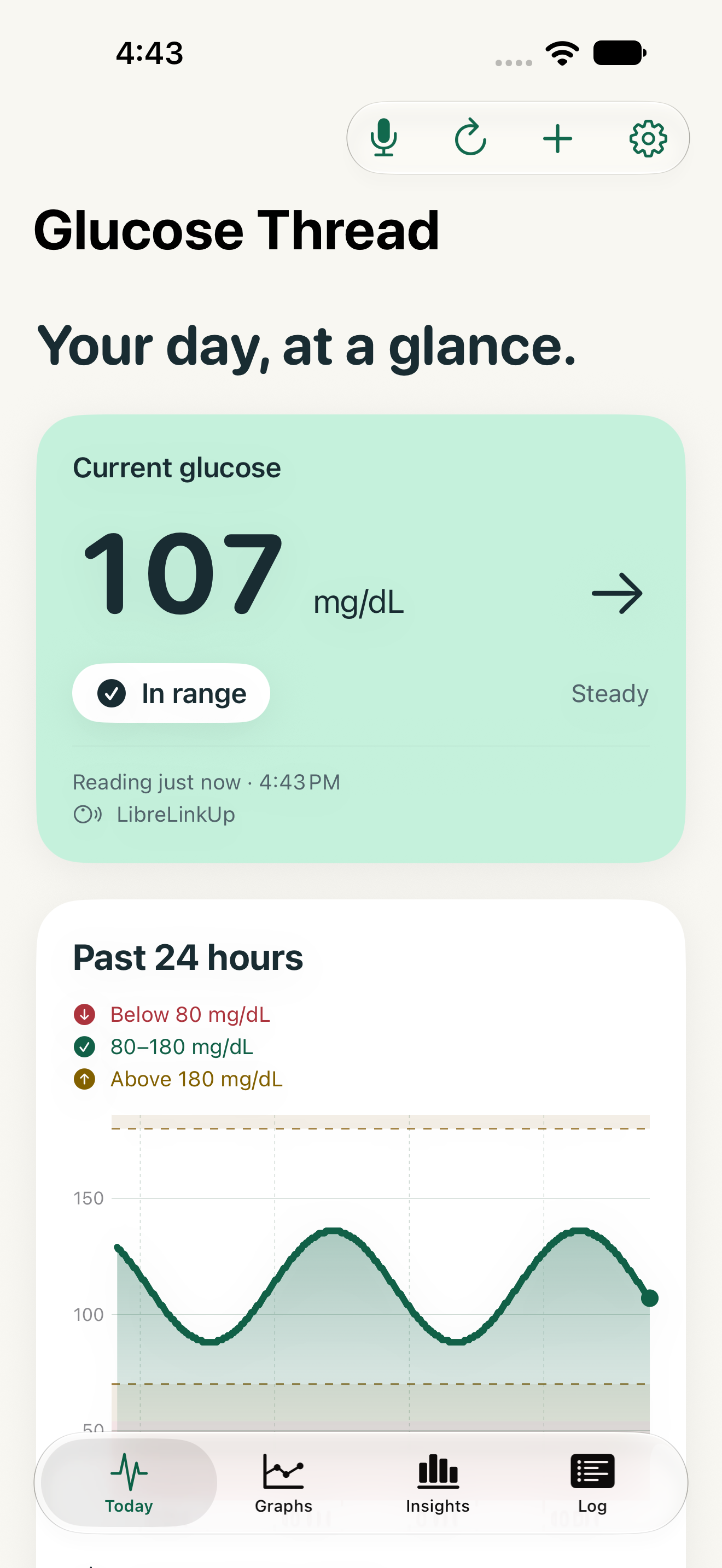
Start with an introduction to the app, then explore nutrition estimates from meal images, meal records and automatic readings from supported CGM connections.
Actual app screens with example records and Andrew AI narration. The meal-photo walkthrough uses a generated image and illustrative nutrition values to demonstrate photo selection and review. It is not a live camera recording or AI analysis of that image. Review and correct estimates before saving.
Follow a simulated meal photo into the nutrition review screen, then check and edit the values.
Read recorded glucose trends and learn about supported LibreLinkUp and Dexcom Share connections.
Review daily records and look back across the week.
A quick look at meal-photo nutrition estimates and editable results.
Explore glucose trends alongside meals and daily habits.
Keep useful daily details beside your glucose records.
Take a wider view of your recorded patterns.
Keep meals, carbs, medications, water and notes in your health log. Bring in selected sleep and workout records from Apple Health with permission.
See the source and timestamp, with delayed or stale information labeled. Review recorded trends without mistaking an old reading for a current one.
Prepare nutrition estimates from supported meal descriptions and images. Review and edit the values before saving. Core logging remains available without AI.
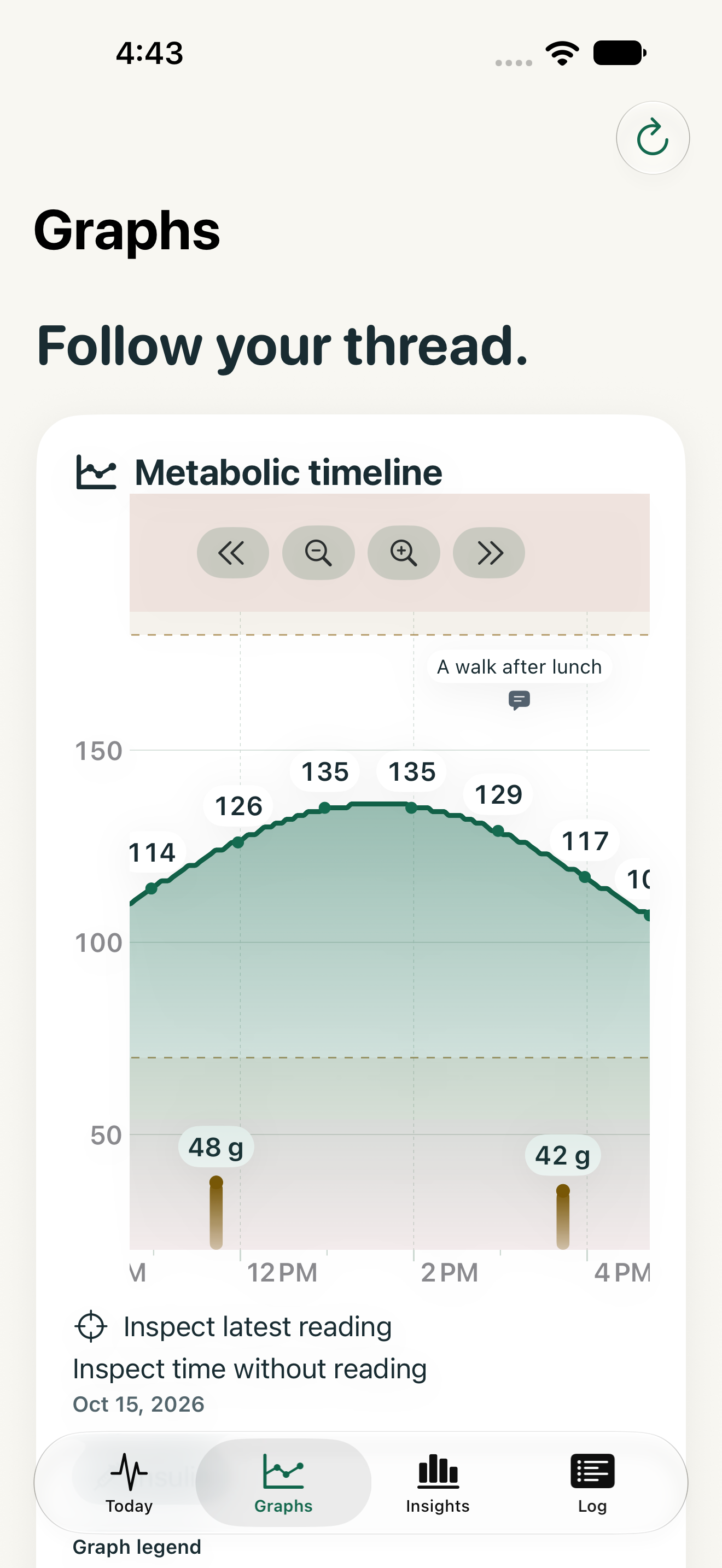
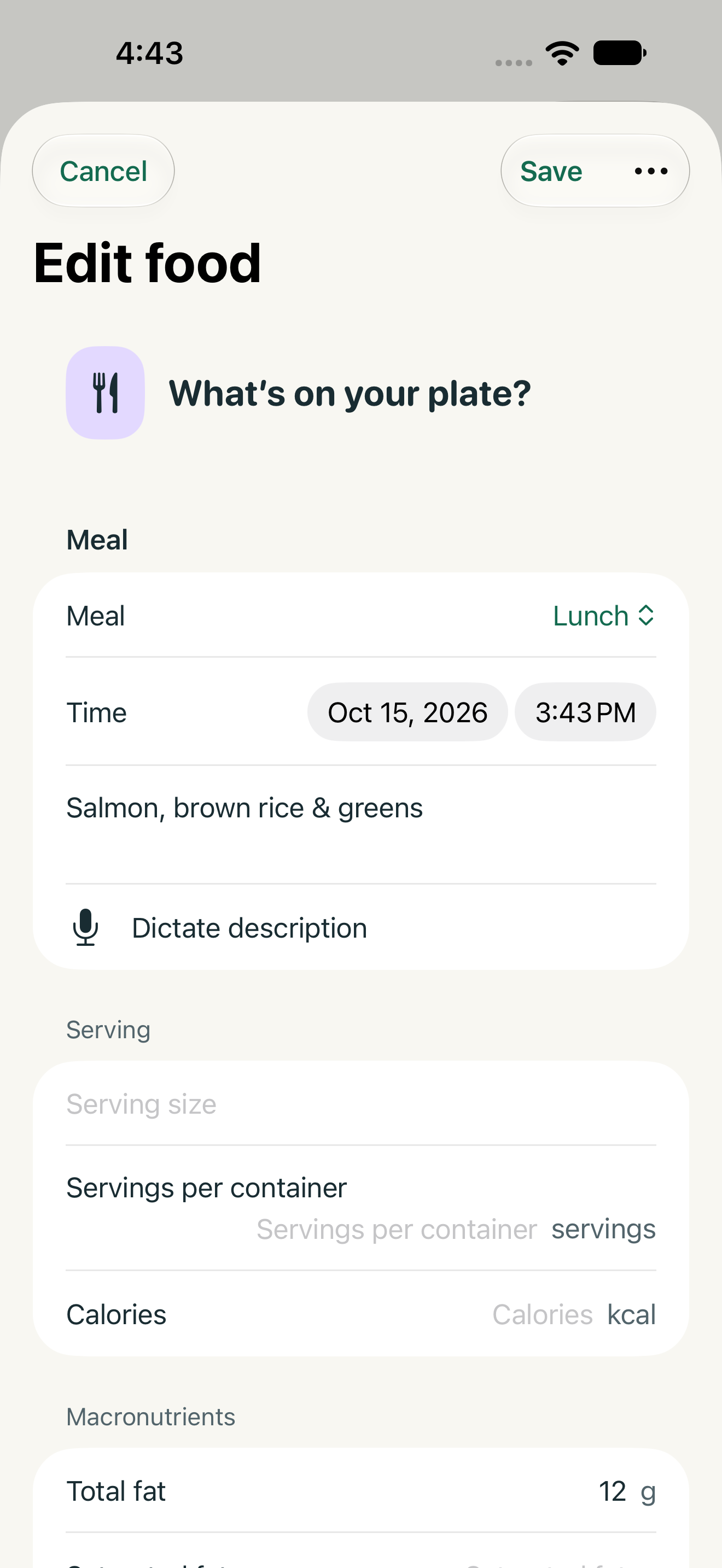
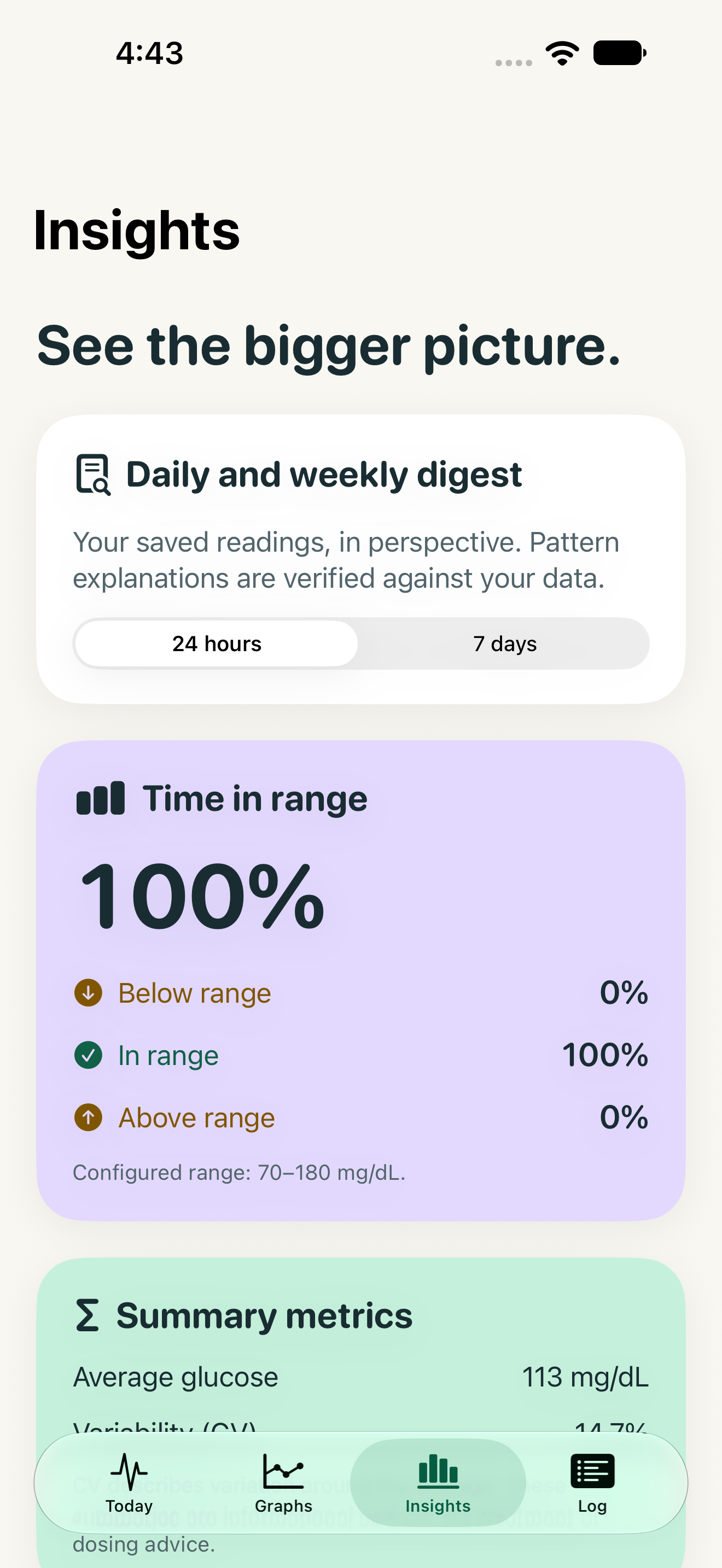
Screens show example records. Patterns describe recorded associations, not proof that a meal or activity caused a glucose change.
Core glucose tracking and manual logging require no Glucose Thread account or subscription. Connecting LibreLinkUp or Dexcom Share requires an account with that provider. Optional Glucose Thread cloud meal analysis requires sign-in.
Glucose Thread supports LibreLinkUp and Dexcom Share accounts. Set up sharing in the official provider app first. Compatibility depends on your provider, sensor, account and region; sharing support does not mean every sensor model is supported. You can also enter readings manually.
Supported Apple AI workflows can prepare nutrition estimates and help with recorded insights. Availability depends on your device, software, language, region and model readiness. Optional Glucose Thread cloud processing offers 10 free successful meal analyses per account. Plus offers 200 successful analyses per UTC calendar month with a monthly or annual auto-renewing subscription. Check the app for current pricing and availability. Review and edit every estimate before saving; never use it for dosing.
The iPhone and iPad app requires iOS or iPadOS 26 or later. Some Apple AI and Siri features require version 27 and eligible hardware. Apple Watch, widgets and supported Live Activities provide additional ways to view recorded information. Refresh timing is controlled by the system and is not guaranteed. The separate native Mac app is not yet released; iPhone-app availability on Apple silicon Macs is separate and its compatibility has not yet been verified.
No. It is a personal recordkeeping and visualization tool, not a medical device, alarm or dosing tool. Data can be delayed, stale, missing or inaccurate. Keep your official glucose app and alarms active, verify information with your approved device, and follow your prescribed care plan. Recorded patterns are associations, not proof of cause and effect.
For Libre setup, use the step-by-step guide. For help with Dexcom Share or device compatibility, contact support without sending health records, passwords or sensor readings.
Glucose Thread does not provide medical advice and must not be used for treatment, medication doses, dietary decisions or emergencies. Nutrition estimates can be wrong. Always verify information using your official glucose-monitoring app or approved device and consult a qualified healthcare professional. This independently developed app is not affiliated with or endorsed by Abbott, Dexcom or any glucose-monitoring manufacturer.